Learn to run a multi-camera stream that holds up
showstreamx teaches studio owners, event organisers and business teams to connect, switch, mix and encode a live show. We have run the course from Syracuse since 2018.
What you actually do during the course
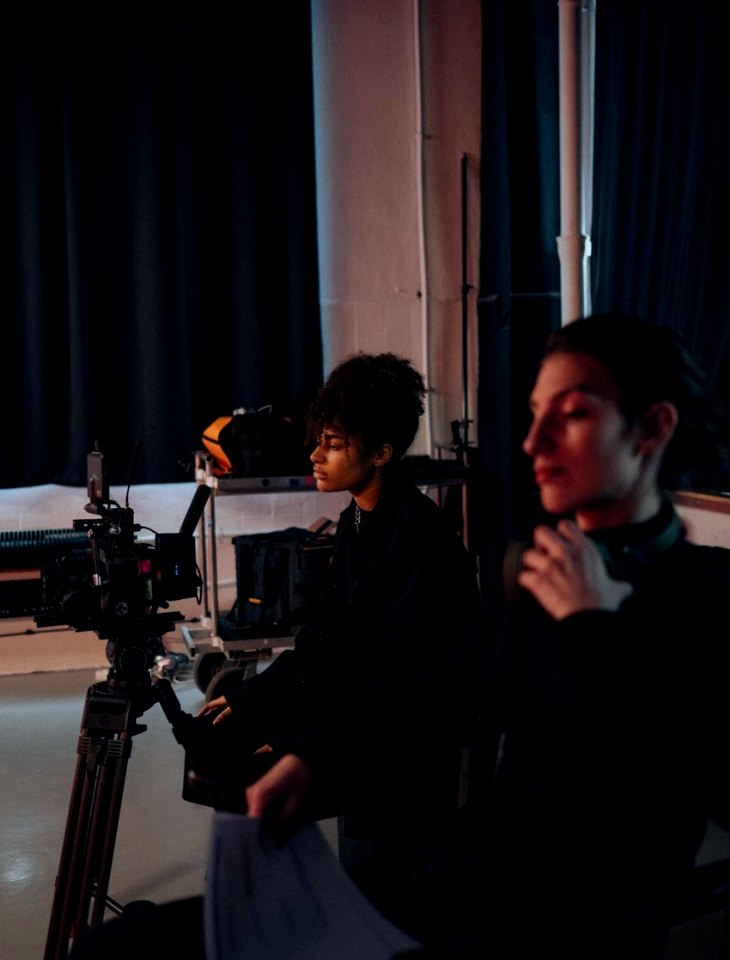
The course is built around doing, not watching. You plug in cameras, cut between sources, route microphones and set an encoder, then rehearse a whole show from start to finish with a written checklist. Results depend on the venue connection, the platform and the agreed equipment, so we practise with those limits in view.
Wire and label every camera
You connect cameras over HDMI, SDI and network feeds, label each input and check every signal before going live. The aim is a rig you can read at a glance, so that when something looks wrong mid-show you know which cable to trace first.
Cut a show without clumsy moves
At the switcher you build scenes and overlays, practise transitions and learn to hold a cut steady while a speaker is mid-sentence. Daniel Brooks leads this part and reviews your decisions with you, shot by shot, after each run.
Get clean sound into the stream
You route microphones and room sound through a mixer, balance levels and track down echo and drop-outs. Megan Foster shows how microphone placement and gain choices change what the audience hears, especially in panel events with several speakers.
Match settings to the connection
Priya Natarajan walks you through bitrate, resolution and frame rate, then through upload speed and backup connection tests. You learn to choose encoder settings that fit the venue and the destination platform, and to spot trouble before doors open.
Six modules, from first cable to full rehearsal
The programme runs in a fixed order: camera connections, video switching, audio routing, encoder configuration, connection testing, and a rehearsal with a pre-stream checklist. Each module has its own practice activity and builds on the one before. The full detail sits on the curriculum page.
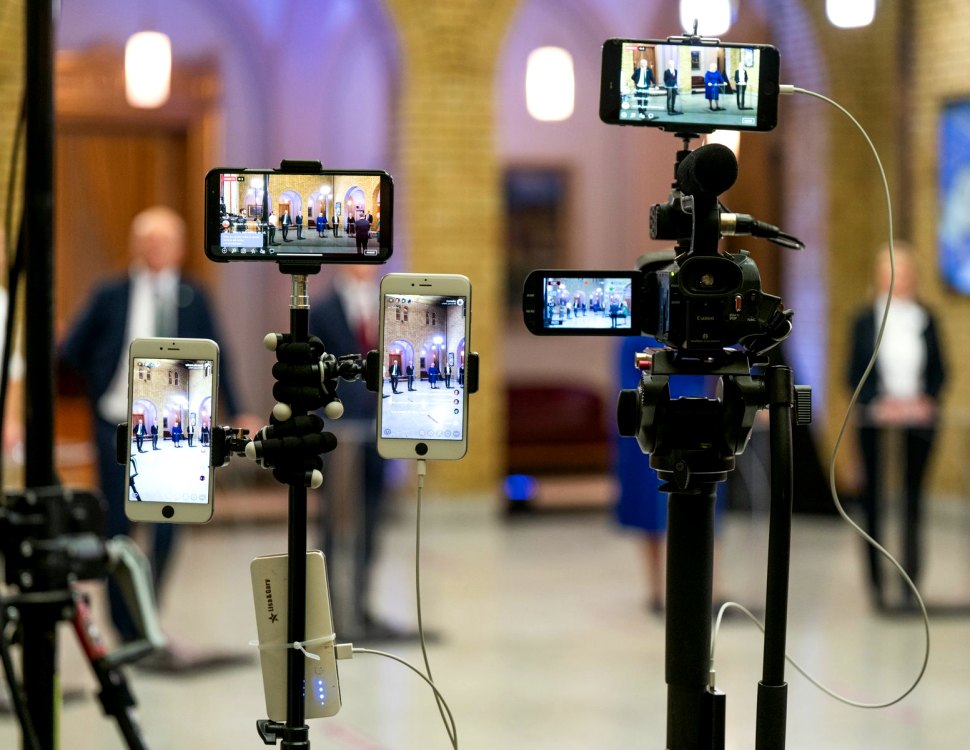
Camera Connections
Learn to connect and label multiple cameras using HDMI, SDI and network feeds, and to check each signal before going live.
Video Switching
Practise cutting between camera sources, building scenes and overlays, and keeping transitions clean during a live show.
Audio Routing
Route microphones and room sound through a mixer into the stream, balance levels and avoid echo and drop-outs.
Encoder Configuration
Set bitrate, resolution and frame rate in an encoder to suit the venue connection and the destination platform.
Connection Testing
Test upload speed, backup connections and platform ingest settings so problems surface before the audience arrives.
Rehearsal and Pre-Stream Checklist
Run a full dress rehearsal with a written checklist covering cameras, sound, scenes and platform settings.
If you have a particular venue, platform or camera count in mind, mention it when you get in touch and we will point you to the modules that matter most.
CurriculumHow we teach
Clarity
Every signal path is drawn, labelled and explained in plain terms. You should always be able to say where a picture or a sound comes from, which device handles it and where it goes next on its way to the audience.
Preparation
Most live problems are visible before the audience arrives. We spend real time on connection testing, written checklists and full dress rehearsals, so that surprises appear early, when they are still cheap and calm to fix.
Reliability
A steady, repeatable setup beats a clever one. We favour backup connections, simple scenes and habits you can follow under pressure, and we are straightforward with you about what a venue connection or platform can realistically deliver.