
What the Camera Connections Module Covers, and What You Practise
A look at how the Camera Connections module is taught: HDMI, SDI and network feeds, labelling every source, and checking each signal before the show goes live.
Daniel Brooks · · 5 minutes to read
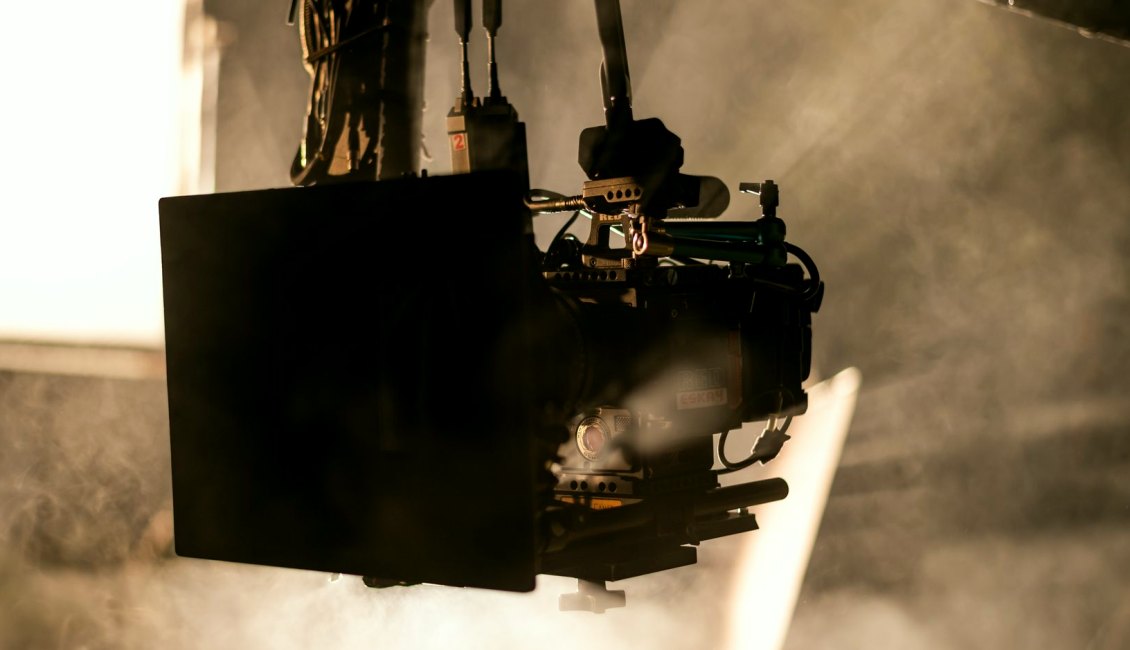
Why this module comes first in the course
Every multi-camera show begins with a simple question: is each camera actually arriving at the switcher, clean and stable? Before we touch scenes, overlays or audio, learners spend their first sessions on that question. I have run shows for small studios and panel events for over ten years, and most of the trouble I have been called in to fix started at the cable stage, not at the switcher.
The Camera Connections module is built around that experience. It does not assume you own a rack of equipment. It assumes you have two or more cameras, a switching device or computer, and a wish to know what each lead is doing. We work with what is on the table and explain why each choice was made.
By the end of the module you should be able to walk into a venue, trace every source from lens to input, and say with confidence which feeds are ready.
Three kinds of feed, and when each one fits
HDMI is the connection most people already own. It is simple and widely supported, but the plugs are easy to knock loose and the cable runs are short before the picture starts to drop out. We show learners how to secure it, how to keep runs tidy, and where it stops being a sensible choice.
SDI uses locking connectors and handles long runs far better, which is why it appears so often at panel events and in larger rooms. We practise reading what the connector gives you, and what to do when a camera and a switcher disagree about the format being sent.
Network feeds are the third option. They reduce cabling but add dependence on the venue network. We cover how to keep video traffic apart from everything else, and why a feed that looks fine on a quiet network can struggle once an audience arrives.
- HDMI: convenient, short runs, secure the plugs
- SDI: locking connectors, longer runs
- Network: fewer cables, relies on the venue network
Labelling so nobody guesses during the show
A surprising amount of live-show stress comes from not knowing which cable is which. In class we label both ends of every lead, name each camera input in the switcher to match, and keep a single written map of the lot. It feels like fussy work on day one and saves real time on the day of a show.
Learners also agree a naming habit with their crew. Wide shot, host close-up and presentation laptop are clearer than camera one, two and three, because the names still make sense when someone new takes over a seat.
We then practise the awkward case: swapping a lead mid-rehearsal and updating the map without losing track. That small routine is what keeps a team calm when something moves.
Checking each signal before going live
Plugging a camera in and seeing a picture is only the first test. We teach a short, repeatable check for every source: confirm the resolution and frame rate it is sending, watch the image for a minute rather than a second, and look for flicker, dropped frames or a picture that goes black when the lens is moved.
We also check power. A camera running on a nearly flat battery or a loose adapter can behave perfectly through setup and fail partway through a long event. Learners note battery state and power source on their written map.
Finally, each source is viewed on the switcher's own preview, not just the camera screen, because that is the picture the audience will be given. If it looks wrong there, it is wrong.
- Confirm format and frame rate on every source
- Watch each feed for a full minute
- Check power and battery state
- Judge the picture on the switcher preview
Common faults we deliberately create in class
Reading about faults is not the same as finding one under time pressure. During sessions I loosen a plug, swap a lead for a worse one, or set a camera to a frame rate that does not match the rest. Learners then diagnose it with the checks above.
This is where the module earns its place. People who have found a mismatched frame rate in a quiet room recognise it quickly in a busy one. They also learn to ask the right first question, which is usually what changed since the last time it worked.
Results in a real venue still depend on the room, the cabling you are allowed to run and the equipment agreed beforehand, so we talk openly about those limits.
What you take away from the module
You leave with a method rather than a list of settings. You can choose a connection type for a given room, label a rig so others can follow it, and prove each feed is healthy before anyone is watching.
The written source map and the signal check from this module carry straight into the later ones. Video Switching builds on clean inputs, and the rehearsal work at the end of the course asks you to use the same routine under a full show.
Camera connections are the least glamorous part of a live stream and the part that decides whether the rest works. This module gives you a calm, repeatable way to connect, label and check every source. If your current setup relies on hoping the cables are right, it is a good place to begin this autumn.