
How Marcus Fixed His Panel Audio Before the Doors Opened
A short case from the autumn season: a small studio owner named Marcus and the echo and drop-outs that nearly ruined his panel stream, and the routing changes that settled it.
Priya Natarajan · · 5 minutes to read
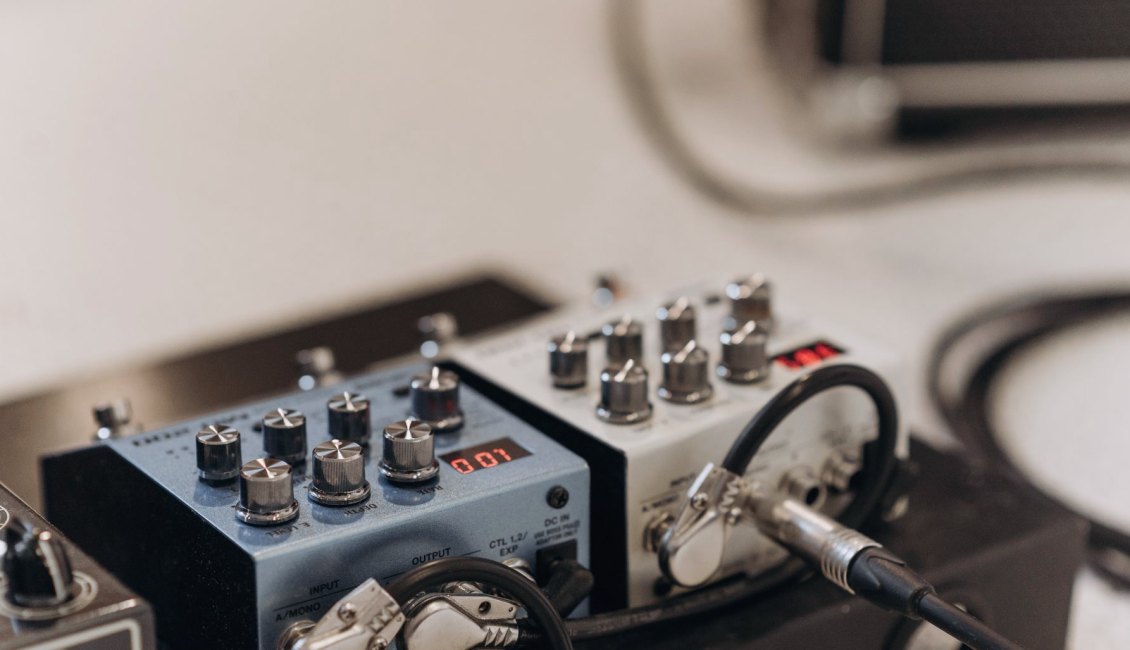
A panel stream with a sound problem
Marcus runs a small studio and had booked a four-person panel for a local business group. He contacted us a few weeks before the event, early in the autumn season, with a short description: the video looked fine in his tests, but the sound kept breaking up and sometimes rang back on itself.
I asked him to send a photo of his desk and a list of what was plugged into what. That told me most of what I needed. Four microphones went into a small mixer, the room's speaker fed back into one of them, and the mixer output went into the laptop through a cheap adapter that also carried the laptop's own sound.
None of this was unusual. Most audio trouble in multi-camera work comes from a path nobody drew out. Marcus had never written his down, so we began there, with pen and paper, before touching a single fader.
Drawing the path from microphone to stream
We sketched each microphone as a line running into the mixer, then the mixer's main output as a single line into the encoder computer. Once it was on paper, the loop became obvious: the monitor speaker in the room was picking up the panelists, and the laptop was sending the stream's own return audio back into the mixer.
Marcus had set it up that way because he wanted to hear the stream while testing. It is a sensible wish, but it needs a separate path. We moved his headphones onto the mixer's own headphone output and removed the laptop's return line from the mixer entirely.
That one change took away the ringing. It did not fix the drop-outs, which had a different cause, but it showed him how much a written signal path was worth before any further testing.
Levels, placement and the drop-outs
Next we looked at gain. Two panelists were much quieter than the others, so Marcus had pushed their channels high, and the mixer was clipping whenever the loudest speaker laughed. We lowered the input gain on the loud channel, raised the quiet ones by moving the microphones closer, and left the main output with comfortable room before it peaked.
The drop-outs came from the adapter. Its connector was loose and the cable pulled slightly whenever someone shifted the laptop. We replaced it with a short cable that locked in place and taped down the slack along the desk edge.
Neither fix needed new equipment of note. Both needed someone to watch a meter and listen carefully through headphones while a person spoke at normal volume, which is what we practise in the audio module.
- Set gain with the person speaking at their normal volume
- Keep the main output meter below clipping during laughter
- Secure adapters and cables against desk movement
The rehearsal that confirmed it
A week before the panel, Marcus ran a full rehearsal with two volunteers standing in for the panelists. He used the checklist from the course, working through cameras first, then sound, then the platform settings, and he recorded the whole run so he could listen back afterwards.
On playback he found one more problem: a faint hum when a camera light was switched on near an audio cable. Moving the cable a hand's width away cleared it. A live listen through headphones would have missed it, but the recording caught it.
I like this part of the story most. He fixed the last fault himself, without me, because the method had become his own. The routing diagram stayed taped to the desk next to the mixer for the event.
What the day itself looked like
On the day, Marcus arrived early and walked each microphone through a quick speak test. Nothing needed changing. He kept the headphones on during the first ten minutes of the stream, watching the meter, and then relaxed once the levels held steady.
The venue connection and the platform were beyond his control, as they always are, and a short wobble in picture quality appeared midway through. The sound, however, stayed clear, and viewers could follow the conversation without strain.
He wrote to us afterwards to say that the quiet part of the evening was the best sign. Nobody mentioned the audio, which for a stream is the kind of review you want.
What Marcus would pass on
When I asked him what he would tell the next person, he gave three answers. First, draw the signal path before the first test, even if it feels too simple to bother with. Second, give the headphones their own route so that monitoring never feeds back into the stream.
Third, rehearse with a recording running and listen to it afterwards on different speakers. A problem you cannot hear in the room can still be heard by the audience.
None of this is clever. It is routine care applied in the right order, and it is the part of the audio module that learners tend to value most once they have a real event on the calendar.
Marcus did not need a bigger mixer or a new room. He needed a written signal path, a separate route for his own monitoring, sensible gain and a rehearsal he could play back. Each change was small, and together they gave him a panel stream where the sound held up from first word to last. If your audio feels unpredictable, start by drawing the path.