
Hardware Switcher or Software Switcher: Which Suits a Small Studio
A plain comparison of a dedicated hardware video switcher and a software switcher on a laptop, with a recommendation for small studios and panel events running three or four cameras.
Daniel Brooks · · 6 minutes to read
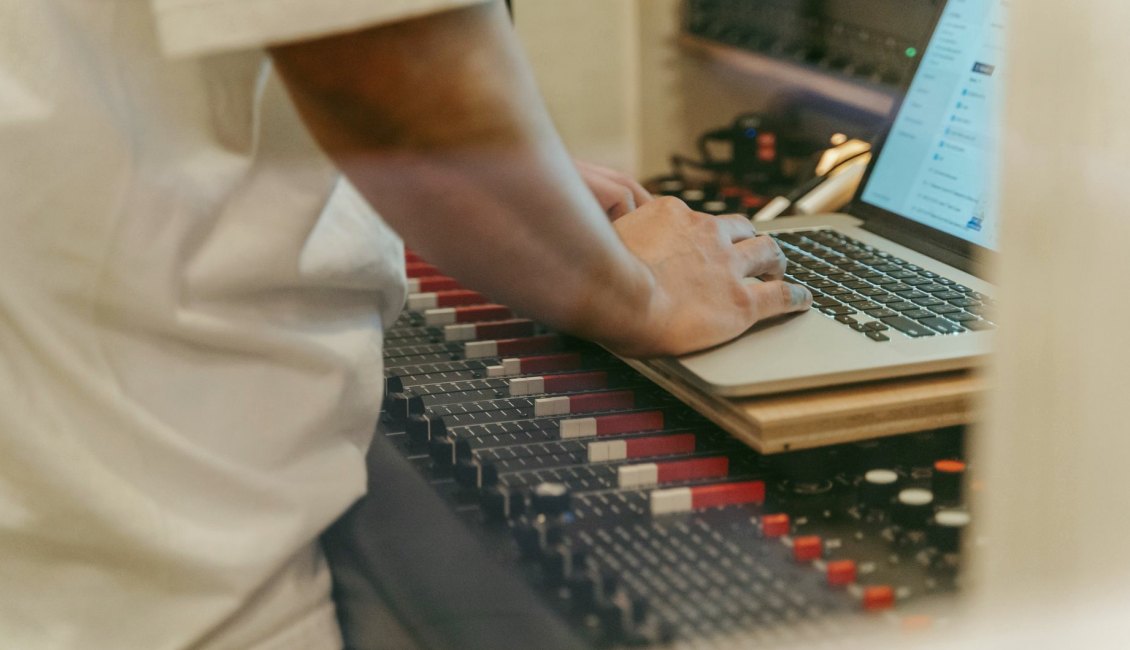
Two ways to cut between cameras
Every multi-camera show needs something that takes several video sources, lets an operator choose one, and sends the result to the encoder. In practice that something is either a dedicated hardware switcher with physical buttons and a fader, or switching software running on a computer. Both can produce a clean show. They differ in how they fail, how quickly a new operator becomes comfortable, and how much of the setup you can see at a glance.
In the video switching module we let learners work on both, because the choice is rarely about quality of picture. It is about the room, the crew and the kind of event. A studio that runs the same three-camera interview every week has different needs from a team that rents a hall once a month for a panel.
This note compares the two options on the points that decide the matter and ends with a recommendation for small studios and panel events.
Where a hardware switcher earns its place
A hardware switcher gives you one button per source, and the operator learns them by touch. During a live panel, when a speaker starts talking unexpectedly, there is no menu to open and no window to find. You press the button, and the cut happens. That directness is the main reason people who run long shows prefer hardware.
It also separates the switching job from the computer. If the encoder laptop slows down, the switcher keeps working and the program output stays stable. Inputs are fixed and labeled, so a second operator can step in without relearning a layout.
The costs are real. You are limited to the number of inputs the unit has, overlays and lower thirds are often basic, and every camera must arrive in a format the unit accepts, usually HDMI or SDI. Adding a fifth camera to a four-input unit means buying a different unit.
- Physical buttons suit fast, unscripted cutting
- Switching stays independent of the encoder computer
- Input count and overlay options are fixed by the unit
Where software switching is stronger
Software switchers run on a computer and treat sources as items in a list. Adding a source, building a scene with two cameras side by side, placing a title graphic or bringing in a slide deck takes a few clicks and no extra equipment. For business presentations, where the show alternates between a speaker, slides and a shared screen, this flexibility matters more than the feel of a fader.
Scenes can be saved and recalled, which helps when the running order is fixed. A rehearsal can be recorded and reviewed. Network camera feeds can be added without capture hardware.
The trade-off is load and attention. Switching, encoding and sometimes recording share one machine, so a weak computer shows it as dropped frames. The operator also needs to keep the right window in focus, and a stray click at the wrong moment can put the wrong scene on air.
- Easy scene building, overlays and slide inclusion
- Cost scales with the computer, not with input count
- Needs a capable machine and a careful operator
Putting the two side by side
For a live show with three or four cameras and little else, the decision comes down to three questions. How often does the show change shape? How many people operate it? How much risk can the venue tolerate if a computer misbehaves?
A fixed format with a single operator and spontaneous cutting points to hardware. A varied format with graphics, remote guests and saved scenes points to software. Many small studios end up using both: a compact hardware unit takes the cameras, and its single clean output feeds a computer that adds titles and handles encoding.
That hybrid costs a little more and adds a connection to check, but it divides the work so that neither device is asked to do everything. Learners in the course build this arrangement at least once so they can judge it for themselves.
What we recommend for small studios and panels
If your show is a panel or interview with three to four cameras, start with a hardware switcher, even a modest one. The physical controls reduce operator errors, the setup is easy to label, and a volunteer can be trained in an afternoon. Keep the encoder on a separate computer so a problem in one place does not take down the other.
If your shows are presentations that mix a speaker, slides and screen shares, begin with software. The scene handling will save more time than any fader would, provided the computer is reasonably powerful and wired to the network.
Whichever you choose, rehearse with the real equipment and the real running order. A choice that looks right on paper is confirmed only when someone cuts a full show with it.
Checks before you commit
Before buying or renting, confirm that every camera output matches an input on the switcher, including the cable type and the distance it must travel. Check what resolution and frame rate the unit and software both accept, and make sure all cameras are set to match.
Ask who will operate the show on the day, and let that person try both options. Comfort at the controls is a practical measure that specifications do not capture.
Finally, plan the connection from the switcher onward. The program output still has to reach an encoder, and what that encoder can send depends on the venue connection and the destination platform. Results will vary with those, so test them in the rehearsal, not on the day.
- Match camera outputs to switcher inputs
- Confirm resolution and frame rate agree everywhere
- Let the real operator try the controls before deciding
Neither switcher is better in every case. Hardware rewards fast, repeated shows with a small crew; software rewards variety and graphics. For most small studios and panels, I would start with a simple hardware unit and add software only when the format demands it. Whatever you pick, label every input, rehearse the full running order, and let the operator practise until the cuts feel routine before the audience arrives.