
Four Cameras, One Cable Mix-Up: A Church Hall Case from Camera Connections
Megan walks through a customer case from these weeks: a small hall, four cameras on mixed HDMI and SDI runs, and how labelling and signal checks settled a flickering feed.
Megan Foster · · 6 minutes to read
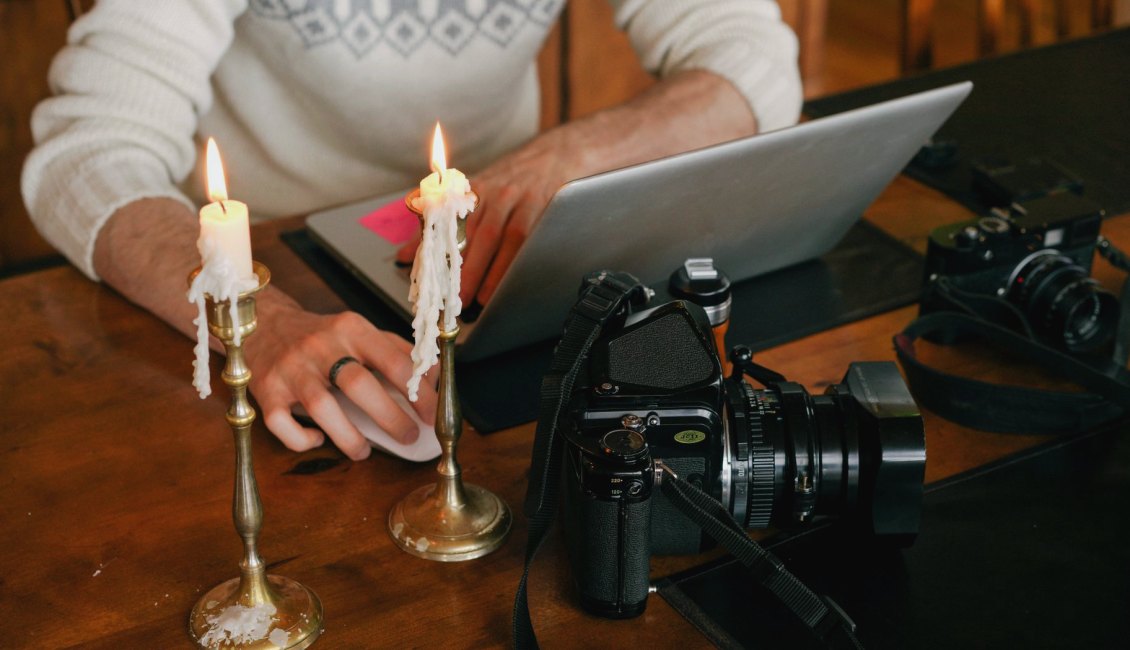
A hall, four cameras and a flickering feed
Last month Tomas, who coordinates talks for a small community hall, asked me to look at his setup before an evening panel. He had four cameras: two compact ones on HDMI, one older camcorder on SDI, and a laptop webcam as a spare. On paper the plan was sound. In practice, one feed dropped out every few minutes and nobody could say which one.
I am an audio instructor, so I came to the problem from the side of sound, but the course teaches every learner the same basics of camera connections, and this case turned out to be a clean example of them. The flicker was not a mystery. It was a combination of cable length, loose connectors and no record of what plugged into where.
Tomas had learned most of his setup by trial and error over a couple of events. He was not careless. He simply had no routine that let him find a fault quickly once the room filled up and the clock was running.
- Two HDMI cameras, one SDI camcorder, one spare webcam
- Intermittent drop-out on one feed, source unknown
- No written map of cables or inputs
Tracing the fault one signal at a time
We started by unplugging everything and bringing sources back one at a time. This is slower than poking at the rack, but it removes guesswork. Each camera went to the switcher on its own, and we watched the preview for several minutes before adding the next.
The third camera, an HDMI unit at the back of the hall, was the one that failed. It sat at the end of a long passive cable run, close to the limit of what that kind of cable carries reliably. The picture held for a while and then broke up when the camera warmed or a connector shifted.
The lesson is not that long HDMI is forbidden. It is that every run should be checked for stability over time, not for a few seconds, before you trust it with an audience.
- Add sources singly and watch each for several minutes
- Treat long passive HDMI runs with suspicion
- Test after the camera has warmed up, not only on power-on
Choosing the right connection for each camera
Once the weak run was identified, the question became what to replace it with. The back camera was the farthest from the desk, so a different kind of link made sense. Options included an SDI path with a converter at each end, or moving that camera's output onto a network feed, if the camera supported it.
Tomas chose a converter pair and a single SDI cable, because his switcher already accepted SDI and he did not want to introduce a network source he had never tested. That was a reasonable call for his level and his deadline.
We discussed why connection type is a trade-off between reach, cost and how familiar the crew is with it. The course covers HDMI, SDI and network feeds side by side so learners can pick on those terms rather than by habit.
- HDMI: simple and short-range
- SDI: locking connectors, longer runs
- Network feeds: flexible, but need their own testing
Labels, a signal map and a quick check routine
The second half of the session had nothing to do with hardware faults. We labelled both ends of every cable with the camera number and the switcher input it fed. Tomas drew a simple signal map on one sheet: camera, cable type, converter if any, input number, and a note of which one carried the spare.
Then we wrote a short check routine he could run in ten minutes before doors open. It asks him to confirm a picture on every input, confirm no signal shows a frozen frame, and tug each connector lightly to see whether the image reacts.
None of this is clever. It is what turns a calm room into a fast diagnosis when something changes, because the person at the desk can read the problem off the page instead of tracing cables by hand.
- Label both ends of every cable
- Keep one signal map beside the switcher
- Run the same ten-minute check each time
How the panel went
On the night, the back camera held for the full session. Tomas told me afterwards that one input briefly showed a black frame when a guest brushed a cable near the table, but because the map was on the desk he knew within a few seconds which camera it was and reseated the connector without leaving the show.
I would not describe that as a flawless result, and I would not promise one to anyone. Performance depends on the venue, the equipment and the people using it. What changed was his ability to find and fix a problem quickly.
He has since asked to add a second converter pair as a standby, which is a sensible next step and one we would walk through in the course.
What to take from this case
The pattern is familiar to anyone who has taught connections: verify signals individually, respect cable limits, choose links to suit the room, and write down what you built. Each step is small, and together they lower the chance that a loose plug becomes a public failure.
If you run a hall, a studio or a meeting room with several cameras, try rebuilding your setup on paper first. Mark every cable, every input and every spare. You may find a weak run before the audience does.
- Rebuild the setup on paper before the event
- Mark each cable, input and spare
- Check weak runs while the room is empty
Tomas's hall did not need new cameras or a bigger switcher. It needed a clear map, a sturdier path for one long run and a habit of checking each signal before the doors opened. That is the heart of camera connections: know what feeds what, test it for longer than feels necessary, and keep the notes where you can reach them mid-show.